You’ve compared three platforms. The numbers don’t add up: one vendor quotes “from $20/month,” another wants a sales call, and the third hides DRM behind a five-figure enterprise tier. By the time you find out what you’ll actually pay, you’ve already lost a week.
Sound familiar? Transparent pricing and total cost of ownership (TCO) matter more than advertised monthly fees. This guide compares Kinescope with major competitors using real numbers—so you can see what you’ll pay without talking to sales.
Key takeaways
DRM is included in Kinescope from the first paid plan; most competitors charge $10K–30K/year extra or limit it to enterprise.
Pricing is public: €0.03/GB traffic, €0.03/GB storage, €0.01/min processing. No hidden add-ons for DRM, white-label, or API.
Typical savings: 40–90% vs tiered platforms (e.g. Vimeo), 90%+ vs enterprise (e.g. Brightcove), with deployment in weeks.
Best for: E-learning, course creators, corporate training, SaaS, and agencies that need professional DRM without enterprise budgets.
Note
All prices and comparisons below are based on publicly available information as of January 2026. Competitor enterprise pricing may vary; request quotes for exact numbers.
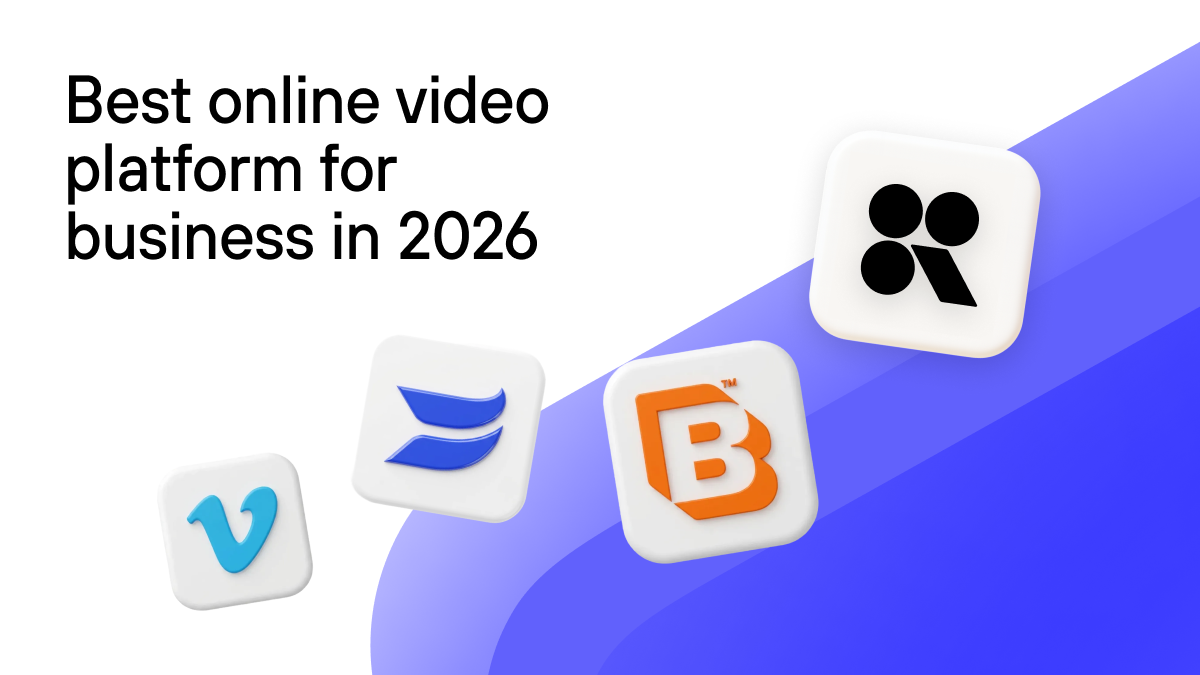
When you’re choosing a video platform, hidden costs—DRM licensing, implementation, overage, and add-ons—can easily double or triple your spend. We’ll walk through Kinescope’s plans (Free, Super, and Mega) with real usage examples, how we stack up against tiered and enterprise platforms, when Kinescope makes sense, and what savings and hidden costs to watch for. For deeper dives, see Kinescope vs Vimeo, cloud vs self-hosted video hosting, and best video platform for business.
What to look for when comparing video platform pricing
DRM and content protection — Is it included or a costly add-on? What standards (Widevine, FairPlay, PlayReady)?
Transparent vs opaque pricing — Public rates and usage-based vs "contact sales" and hidden implementation fees.
Total cost — Base plan + DRM + overage + implementation; compare like-for-like scenarios (e.g. 1 TB/month).
Contract and flexibility — Month-to-month vs annual or multi-year; time to deploy (weeks vs months).
Fit for your use case — E-learning, training, and SaaS usually need DRM and API; marketing-only may not.
Kinescope and Competitor Pricing
Opaque pricing makes it hard to plan. Vendors often hide DRM fees, implementation costs, and per-feature add-ons until you’re deep in a sales cycle. Kinescope publishes pricing upfront: €0.03/GB for traffic, €0.03/GB for storage, €0.01 per minute for processing. DRM, white-label, and API are included from day one—no add-ons.
Our plans are straightforward. Free gives you 100 minutes and 200 GB per month with no credit card. Super starts at €10/month plus usage; DRM, white-label player, analytics, and full API access are included. Mega is tailored for high volume, with dedicated support and a 99.98% SLA.
What typical usage costs (all include DRM, white-label, analytics, API)
Scenario
Traffic
Storage
New video/mo
Total/month
Small business
200 GB
100 GB
600 min
€25 (~$27)
Medium / school
1 TB
500 GB
1,200 min
€67 (~$73)
Large / enterprise
5 TB
2 TB
3,000 min
€250 (Mega: ~€220)
Kinescope: pros and cons
Pros:
DRM, white-label, and API included from the first paid plan; no upsells for core features.
Transparent, public pricing; pay-as-you-go and month-to-month available.
Deployment in weeks; no six-figure implementation or long-term contracts.
Strong fit for e-learning, training, SaaS, and agencies; 40–90% savings vs many alternatives.
Cons:
Usage-based cost can rise with very high traffic; Mega and custom plans suit the largest volumes.
Less “household name” than Vimeo or YouTube; brand recognition is built on product and support.
How we compare on what drives real cost
Factor
Kinescope
Most competitors
DRM
Included in Super
Enterprise plan or +$10K–30K/year
Pricing
Public, predictable
Enterprise hidden; add-ons common
Features
DRM, white-label, API from day one
Unlock with higher tiers
Contracts
Month-to-month OK
Often annual for best price
Side-by-side: Kinescope vs Vimeo vs Wistia vs enterprise
Kinescope
Vimeo (tiered)
Wistia (marketing)
Enterprise (e.g. Brightcove)
Starting price
€10/mo + usage
$20–108/mo
$19–319/mo
$15K–50K+/year
DRM
Included
Top/enterprise only
Limited or none
Often +$10K–30K/year
White-label / API
Included
Higher tiers
By plan
Custom / implementation
Typical 1 TB/mo
~€67/mo
$108/mo+ (no DRM)
N/A
$24K–60K/year
Contract
Month-to-month
Often annual
Monthly/annual
Multi-year common
DRM cost: Kinescope vs competitors
Kinescope (DRM included)$0
Competitors (DRM add-on)+$10K–30K/year
Monthly cost comparison (1 TB traffic)
Kinescope (1 TB, DRM incl.)~€67/mo
Vimeo Advanced (1 TB, no DRM)$108/mo
Enterprise (1 TB, DRM extra)$2K+/mo
Competitors in brief: Tiered platforms like Vimeo charge $20–108/month by plan, with DRM often only at top or enterprise ($500–5,000+/month). Enterprise solutions (e.g. Brightcove) typically run $15,000–50,000/year in license fees plus $20,000–100,000 for implementation, with DRM as an extra cost. Marketing-focused tools like Wistia ($19–319/month) offer limited or no DRM. DIY on AWS can be ~$100–200/month for 1 TB plus engineering time, with DRM and support separate.
Use it if
Choose Kinescope if you need professional DRM, transparent pricing, and enterprise-style features (white-label, API, analytics) without enterprise budgets or long contracts. Ideal for e-learning, course creators, corporate training, SaaS, and agencies.
Choose a tiered platform (e.g. Vimeo) if you want a well-known brand and accept higher, less predictable pricing and DRM only on top tiers.
Choose enterprise (e.g. Brightcove) if you have six-figure budgets, 3–12 months for implementation, and need bespoke integrations.
Choose a marketing platform (e.g. Wistia) if you mainly need marketing videos and don’t require DRM or strict content protection.
Choose DIY if you have strong engineering and want full control, accepting ongoing build and maintenance cost.
TCO and When to Choose
For small to medium teams running about 1 TB of traffic per month, Kinescope is around €67/month (~$876/year) with DRM included. A tiered competitor’s Advanced plan might be $108/month without DRM; their Enterprise tier can reach $500–2,000/month. Savings with Kinescope are typically 40–90% versus enterprise options, with all features included.
At 5 TB of traffic per month, Kinescope Mega is roughly €220/month (~$2,880/year), including DRM and standard implementation. Enterprise platforms often quote $24,000–60,000/year, or $100,000–300,000+ in the first year with implementation. Kinescope’s advantage here is 90%+ savings and deployment in weeks instead of months.
Savings and Hidden Costs
Use case
Kinescope
Competitor
Savings
Online course (500 students, 2 TB/mo, DRM)
€100/mo
$1,500–3,000/mo
$1,400–2,900/mo
Corporate training (1K employees, 3 TB/mo, SSO+DRM)
€145/mo
$95K first year
$63K+ first year
SaaS (10K users, 500 GB/mo, API + white-label)
€31/mo
$108/mo
~$888/year
Annual savings vs enterprise
Online course (2 TB, DRM)~$1,400/mo saved
Corporate training (3 TB, SSO+DRM)~$63K first year
SaaS (500 GB)~$888/year
With most competitors, budget for extras: DRM often adds $10,000–30,000 per year; implementation $20,000–100,000 one-time for enterprise setups; overage and per-feature add-ons are common; annual contracts are often required for best rates. With Kinescope, DRM, standard implementation, overage (priced transparently), and core features are included, and month-to-month billing is available.
How to Choose the Right Video Platform
Define what you need — Focus on must-haves: DRM, white-label, API, analytics, scale. If you need content protection, treat DRM as non-negotiable and compare real DRM-inclusive cost.
Compare total cost, not just base price — Add implementation, DRM fees, overage, and add-ons. A “cheap” base plan can become expensive once those are included.
Match timeline and contract to your risk — If you want to test or scale gradually, prefer month-to-month and platforms that deploy in weeks. If you have a fixed long-term project, annual or multi-year may be acceptable elsewhere.
Check fit for your use case — E-learning, training, and SaaS usually need DRM and API; marketing-only use cases may not. Choose a platform built for your scenario.
Prefer transparent pricing when you can — Public pricing and clear usage rates reduce surprises and speed up decisions.
FAQ
Vimeo charges $20–108/month by plan; Advanced is ~$108/mo for 1 TB but DRM requires Enterprise ($500–5,000+/mo). Kinescope: ~€67/mo for 1 TB with DRM included. For DRM-protected content, Kinescope is typically 40–90% cheaper.
Vimeo plans: Free, Plus $20/mo, Pro $20/mo (annual), Advanced $108/mo. Enterprise is custom. DRM and advanced features are often only on top tiers. Compare total cost including DRM—Kinescope includes it from €10/mo.
Yes. Kinescope supports month-to-month billing. No long-term contract is required for standard plans.
Traffic is data delivered to viewers when they stream or download your videos (e.g. playback). It’s billed at €0.03/GB. Storage and processing have separate rates.
You can upload existing videos via the Kinescope dashboard or API. There’s no lock-in; you retain your files and can export or move them if needed.
If you only need free, public marketing videos with no DRM or API, a free tier elsewhere might suffice. If you have a very large budget and need highly custom enterprise integrations, a dedicated enterprise vendor may be a fit.
Super is usage-based from €10/month; Mega is for high volume with dedicated support and a 99.98% SLA. For most teams up to a few TB per month, Super is enough; Mega is for scaling beyond that.
Yes. Kinescope's Free plan gives you 100 minutes and 200 GB per month with no credit card. You can upgrade to Super when you're ready and only pay for what you use.
Kinescope delivers enterprise-grade hosting and DRM at mid-market prices. DRM is included—saving $10,000–30,000 per year compared to competitors who charge for it. Pricing is transparent, pay-as-you-go is supported, and deployment typically takes weeks rather than months. Versus tiered competitors, you’ll typically see 40–70% savings with more features included; versus enterprise platforms, savings often exceed 90% with faster time to launch.