

Video infrastructure for dev teams

Skip building your own video pipeline. Kinescope runs upload, transcoding, DRM, CDN and the player, your team integrates it into products in hours and gets support from our developers.



















Integrate video API and player into your stack — no extra dev work

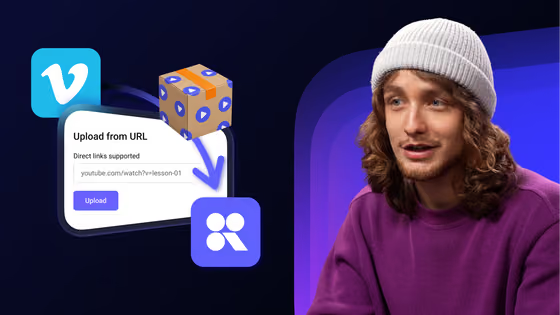
Video upload, transcoding, and management — all through simple API calls.
Swift, Kotlin, React, Vue, and REST API to integrate video into apps and portals.
Web, iOS, Android — one codebase for every platform.
Build video-powered products your way
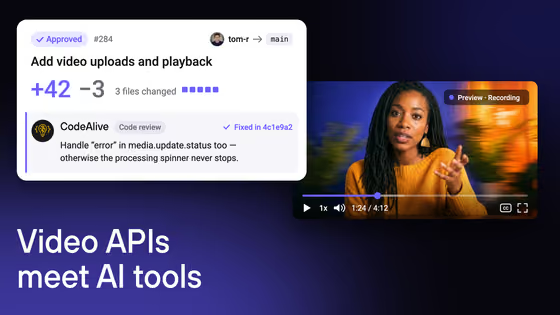
SDKs for Swift, Kotlin, React, Vue, and REST API allow you to create video solutions with Kinescope and integrate video into apps and portals. See how the API works end to end in our video hosting API guide, and find install commands for every SDK, webhooks and the MCP server on the Kinescope video API page.
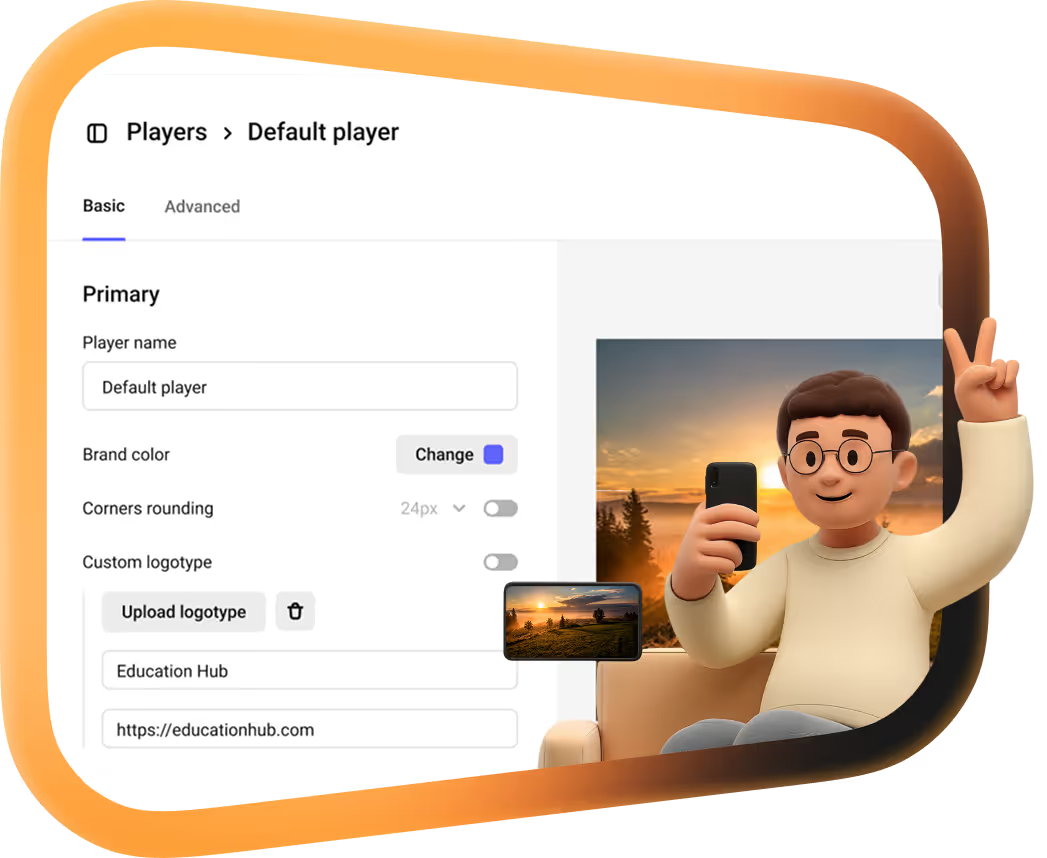
Ready-made embed codes, integrations with Tilda, WordPress, and other services, plus simplified migration from other platforms.
Own servers, ClearKey encryption, Apple FairPlay, DRM, and domain lists ensure content security.


Production-ready video infrastructure — owned and operated by Kinescope
Use a ready-made video stack and rely on support from developers.
Own cloud infrastructure
SDKs, API methods, CDN, and all hardware solutions — created by Kinescope.
Experienced support
Most of our team members are developers — we dive into the problems.
Open-source player SDKs
Drop the Kinescope player into any stack with a native SDK, or reach everything else through the REST API and the JavaScript IFrame Player API. Every SDK is open-source on GitHub.
I log into the Kinescope dashboard maybe once a year. Everything runs through the API — it just works
Kinescope sent us ready-made code examples before anything was signed, so the integration already had a head start. The transfer itself took about a week

We’d put off leaving Vimeo for years, afraid the migration would swallow our small dev team. 1,500 of our courses were locked to Vimeo in a tool we’d stopped using — Kinescope wrote the script we couldn’t, and moved all of them across. We were sure it would take a long time, and instead it took a week or two

With Kinescope we get a convenient API, a human touch, stable performance, and fair prices. The subtitles come out at a really good level right away — you don’t even need to correct them. We threw our own pipeline out. Who would’ve thought?


FAQ
Can’t find the answer you need? Check out our Help Center.
media.update.status) and across the live-stream lifecycle — created, connected, disconnected, finished, cancelled — so you react on the event instead of polling. Payloads are JSON, endpoints just return 200, and failed deliveries are retried. Full event list in the docs.Launch video features in hours, not weeks.
Try out full video stack access. No credit card required.