"Remove the logo" and "white-label" sound like the same checkbox. They aren't — and if your video lives inside a product, course, or portal people already believe is yours, the gap between them is exactly where you leak trust, data, and brand equity. White-label is the whole player wearing your brand, every layer of it, from the controls to the data it sends back. Here's what it has to cover, the three setups that genuinely need it, and what skipping it costs.
Key Takeaways
Hiding the logo is a single setting. A white-label video player is the whole thing wearing your brand: colors, controls, the wrapper around the video, the domain it streams from in some cases, and the viewing data flowing back to you.
The need is situational. A blog post can live with a tasteful vendor badge. A SaaS product, a learning platform, or a corporate portal usually can't, because the player appears inside an interface users already believe is entirely yours.
Skipping it carries a cost you won't see on an invoice: split attention between your brand and the vendor's, viewing data stuck in someone else's dashboard, and an off-brand component that quietly lowers how polished the whole thing feels.
Most "free" players put branding behind a paywall, and the tier it lives on can shift under you. Before you commit, map what each platform genuinely lets you change against the five layers below, and check what survives the next renewal.
White-label and security are different features that usually travel together. A branded player with no access control is still exposed, so most teams configure both.
"Remove the logo" and white-label – what's the difference?
Removing the logo does one job: it takes the vendor's mark out of the corner of the player. That's worth having, and it's also where most teams stop, assuming the player now reads as theirs. It usually doesn't.
A logo is the most visible piece of a vendor's fingerprint — but far from the only one. The control bar still has the vendor's shape and icons. The settings menu opens with the vendor's options in the vendor's layout.
The video streams from a vendor domain that shows up in the network tab and sometimes in the share link. The end screen, the right-click menu, the loading animation, the analytics that never quite reach your own dashboards: all of it keeps belonging to someone else, even after the logo is gone.
White-label means the player presents as yours from the first frame to the last click. It's better understood as a set of layers than a single feature — and a platform can deliver some while missing others:
The look. Player color, control styling, corner radius, the look of the progress bar and buttons, matched to your design system.
The wrapper. Your fonts, your call-to-action, your overlays, with no vendor UI competing for attention around the video.
The playback domain. Video served from your domain or a neutral one, so the source in the embed code and network requests doesn't advertise the vendor.
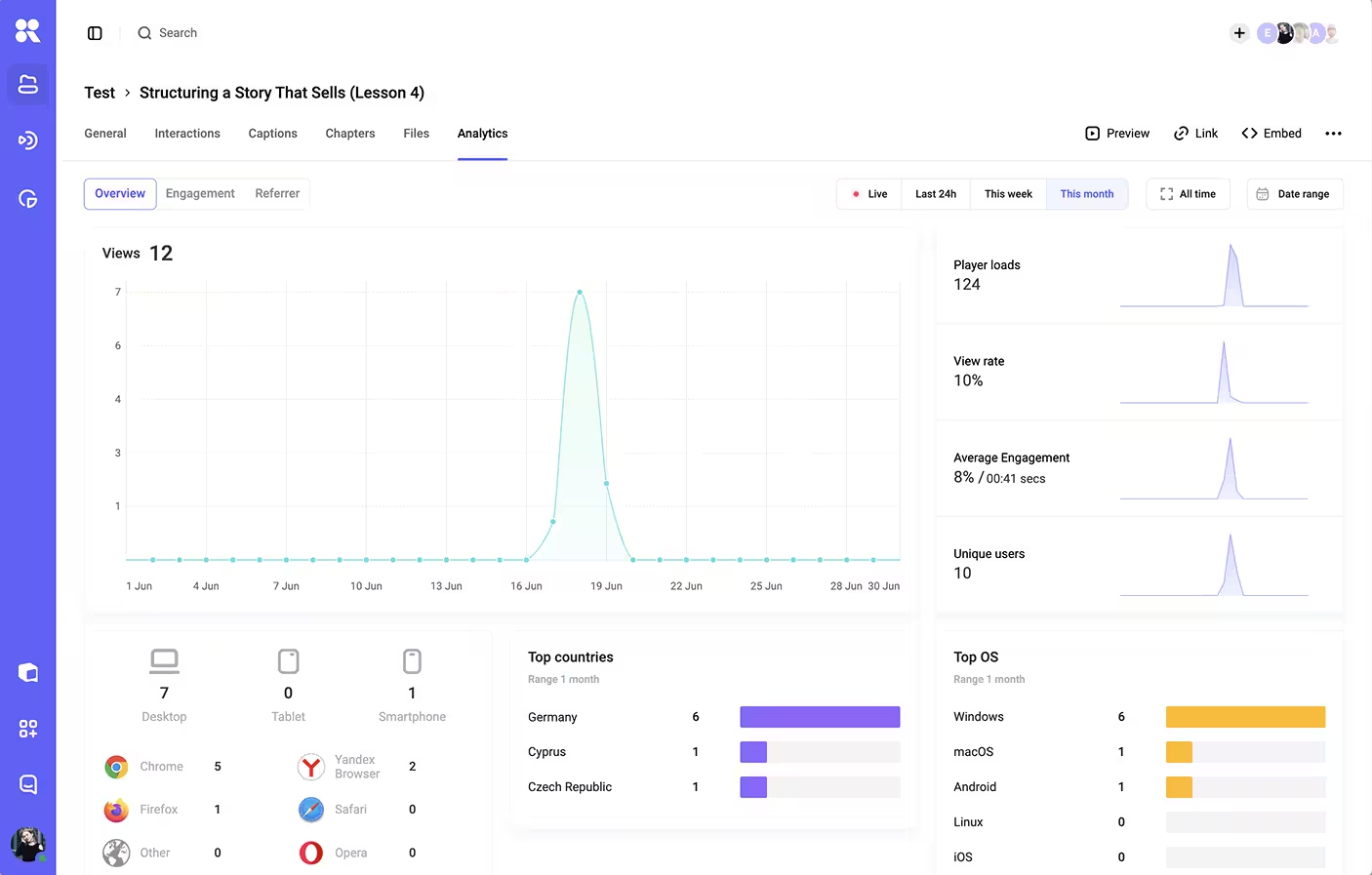
The data. Viewing analytics flowing into your own systems through an API, rather than living only in the vendor's dashboard.
The behavior. Autoplay rules, what shows when a video ends, and where the next click goes, all under your control instead of the platform's defaults.
A player that nails the first layer and skips the rest is "skinned" — and skinned is fine for plenty of uses. White-label is the version where a user could watch a hundred videos and never learn which company you bought the player from.
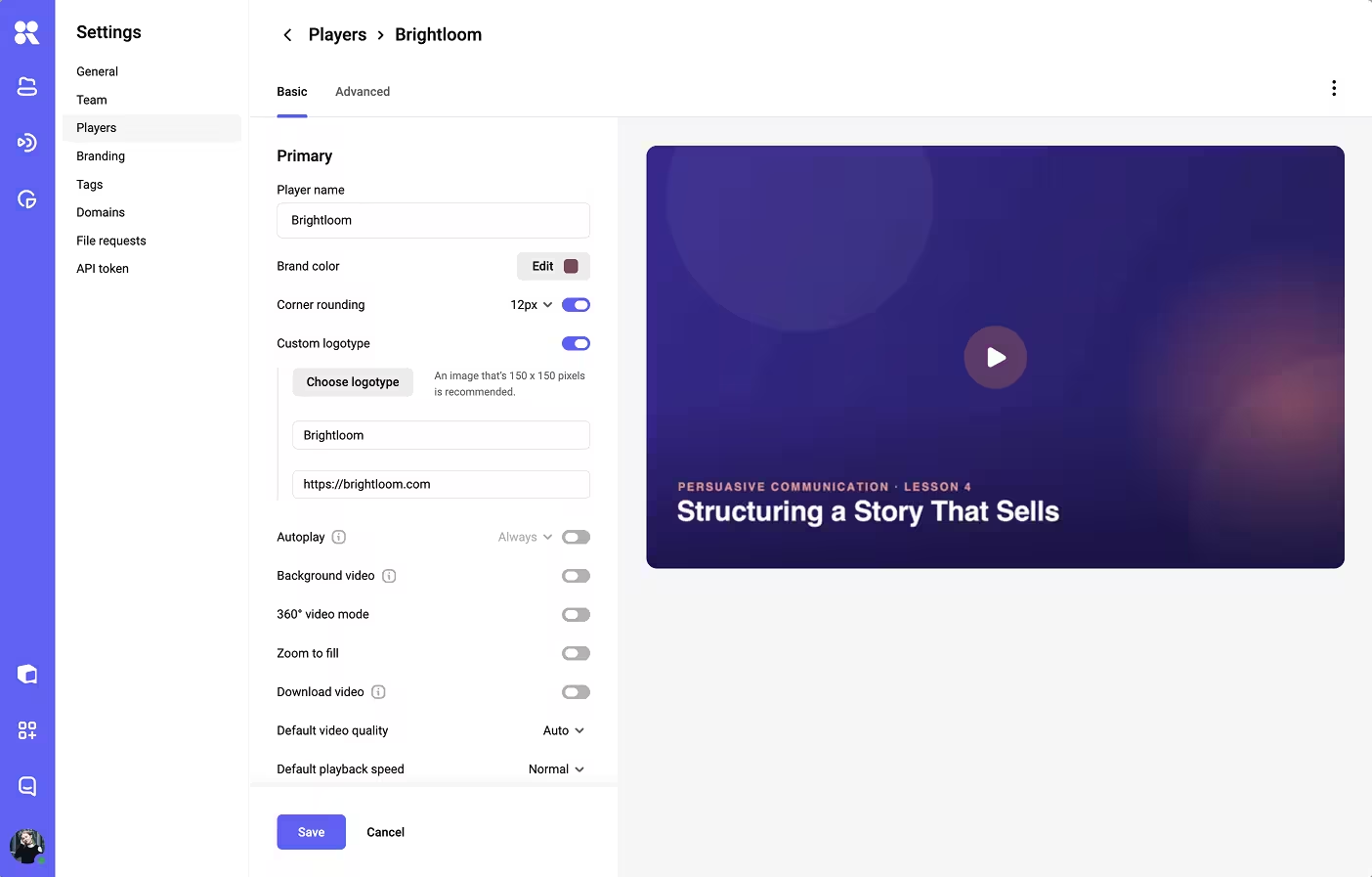
A video player customization panel with controls for brand color, corner radius, logo and more
White-label, custom, embedded: untangling the terms
The vocabulary around video players is muddy, which is part of why "white-label" gets oversold. Three terms get used interchangeably and shouldn't be.
An embedded player is any third-party player you drop onto your page, usually through an iframe. It can be branded or not; embedding only describes how the video gets onto the page.
A custom player usually means one a team built or heavily modified at the code level, often on top of an open-source core, with full control and a full maintenance burden. A white-label player falls between those two — a vendor builds and maintains it, but lets you strip their identity and apply yours, so you get ownership of the experience without owning the codebase.
Most businesses want that middle path. Building a custom player from scratch means owning playback across browsers, devices, and codecs, a real engineering commitment that rarely pays off unless video is your core product. The useful question is therefore less "build or buy" and more "how much of this bought player can I make mine."
When you actually need a white-label player
Most teams don't need every layer for every video. The honest question is where the player lives and who the viewer thinks they're dealing with. Three setups push white-label from nice-to-have toward necessary.
Inside a SaaS product
When video runs inside software people pay to use, it's part of the product surface — the same as a button or a settings page. A foreign brand in the player frame breaks the sense that the whole experience is one coherent thing you built. Picture an onboarding walkthrough that opens with an unfamiliar logo in the corner, or a feature demo on your pricing page that ends by showing the video host's name. Each is a small crack in the impression you're paying to create.
This is also where the data layer earns its keep, because product teams want per-viewer engagement flowing into the same analytics they use for everything else, rather than stranded in a separate video dashboard they have to remember to open.
On a learning platform or LMS
Course platforms sell trust as much as content. A student who paid for a program expects it to feel like the school's environment from login to certificate. A third-party logo in the lesson player introduces a second brand into a moment that should feel singular, and it quietly raises the question of where the videos actually live and whether they could leak.
Consider a paid cohort course: if every lesson plays through a visibly external host, learners start wondering whether the same videos exist somewhere they could find for free. A branded player removes that visible seam, and paired with proper access control, the video stops feeling like an embed and starts feeling like part of the curriculum.
Across a corporate portal or internal training
Internal tools rarely get the polish of customer-facing ones, which is exactly why a clean, branded player stands out. On an intranet, a compliance-training hub, or an employee onboarding portal, consistent branding signals that the material is official and maintained. A bare external embed, by contrast, looks like a link someone dropped into a wiki two reorgs ago.
Large organizations also tend to have security and data-residency requirements that make the domain and analytics layers more than cosmetic: IT wants the video served and measured on infrastructure it can account for, and a branded player on an approved domain is far easier to sign off on than a public embed from a consumer platform.
The common thread across all three is ownership of the surface. When the viewer already believes they're inside your product, your school, or your company's system, anything in the player that says otherwise is a small contradiction, one they feel even when they can't name it.
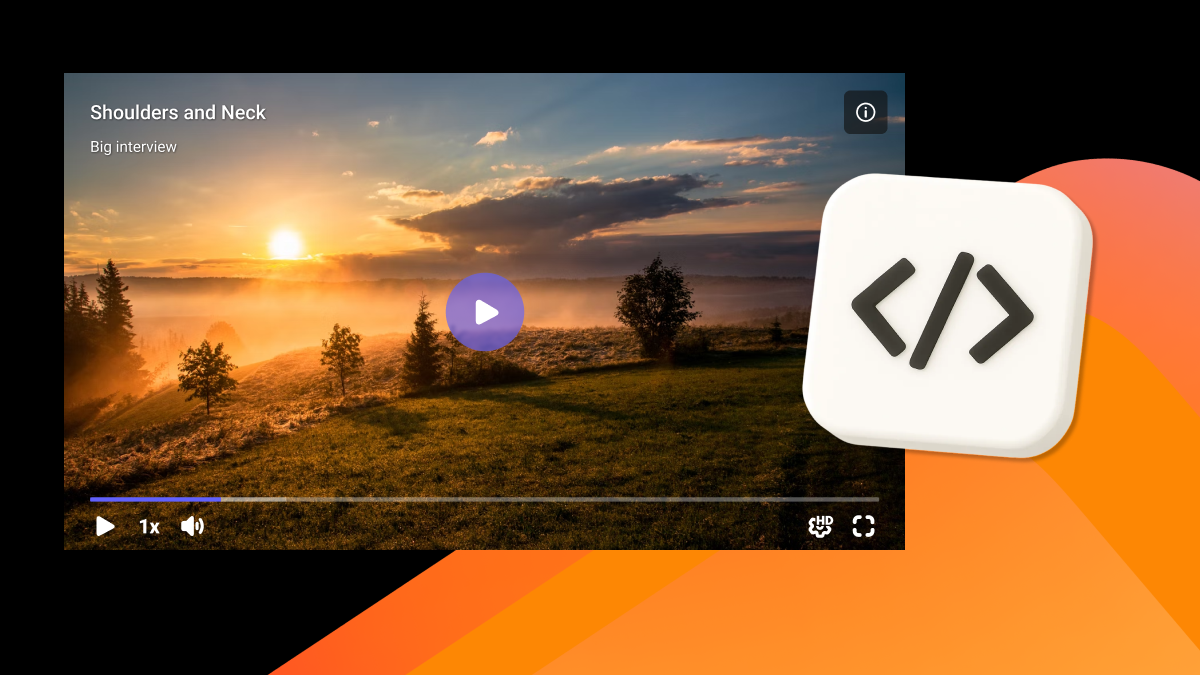
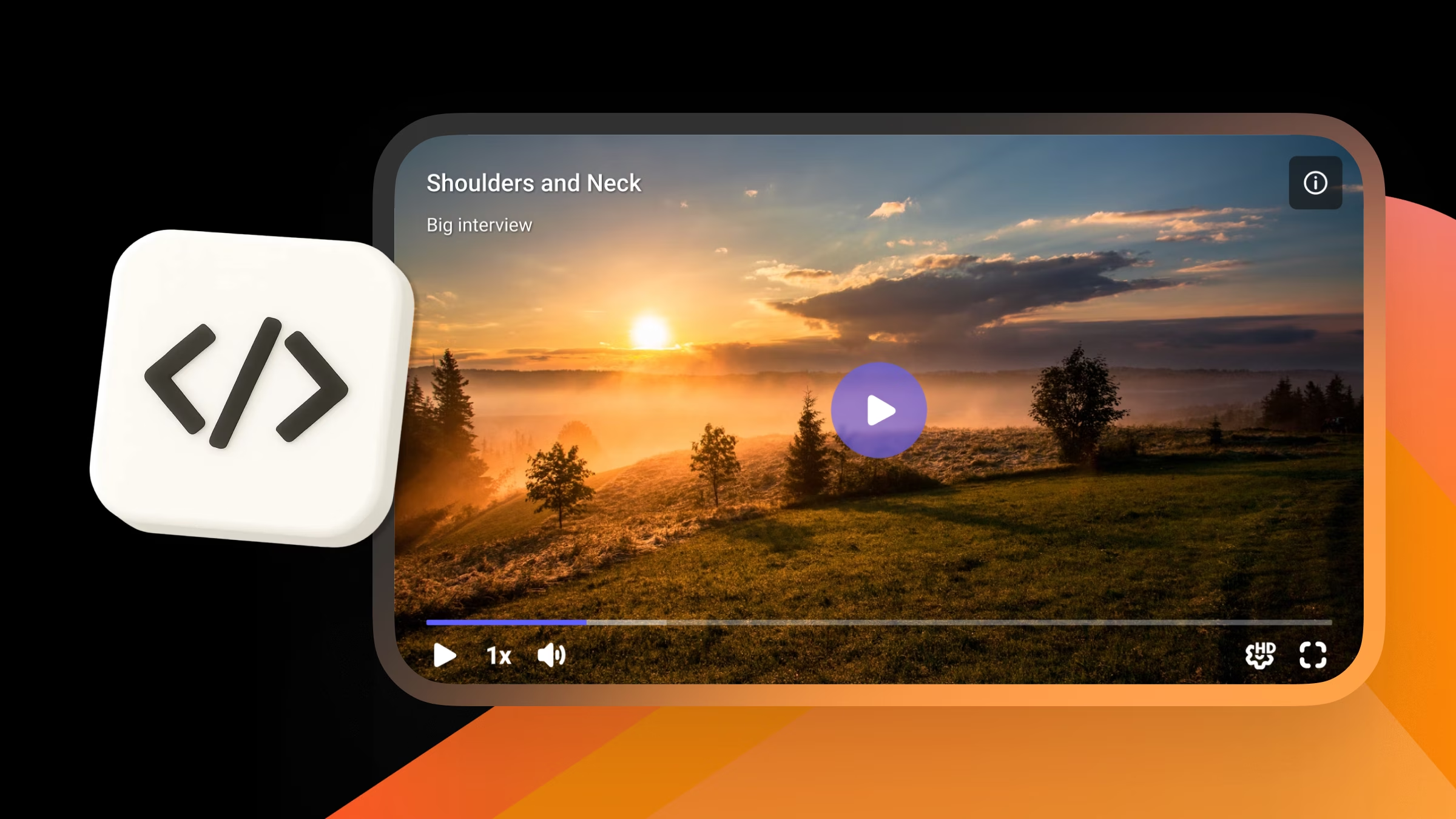
A video player styled with a company's own logo and player in brand colors
What you give up without it
When a branded player is the right call, treating it as optional still carries costs that are easy to miss — because none of them arrive as a line item.
Consistency turns out to be a revenue lever, not a vanity metric. Marq (formerly Lucidpress) reported that consistent brand presentation can lift revenue by up to 33%, with trust as the mechanism. A foreign player is a recurring reminder that part of the experience isn't yours. One logo won't sink a business, yet it works against the exact consistency that compounds into recognition over hundreds of sessions.
There's also the plain question of whose product this is. Every vendor mark in the frame splits attention between your brand and theirs. In a marketing context that's a minor tax. Inside a product or a paid course it becomes a credibility issue, because users wonder, even briefly, why the thing they're paying you for runs on someone else's player.
The viewing data is the cost teams notice last — and regret most. Players that aren't built for white-label use often keep analytics in their own dashboard with no clean export. You see aggregate view counts and lose the per-viewer detail that tells you who finished the onboarding video, who rewatched the pricing explainer, or where learners drop off inside a lesson. Without an API that feeds your own systems, optimization turns into guesswork.
Control over the next moment goes too. Some embedded players surface recommendations or platform chrome when a video ends, sending viewers somewhere you didn't choose. On a landing page that's leaked attention. Inside a course it's a distraction from the very next lesson you wanted them to start.
Then there's perceived quality. Interfaces are judged fast, and a player that doesn't match the surrounding design reads as bolted on. In a product where everything else is polished, the one off-brand component draws the eye and lowers the overall impression, however unfair that is.
A practical wall is worth knowing about as well: branding is frequently a paid upgrade, and the tier it lives on can move under you. On Vimeo, hiding the logo and customizing the player isn't part of the free plan; those appearance controls live on a paid tier — the Standard plan, around $25/month billed annually as of mid-2026 (Vimeo pricing).
Vimeo also restructured its plans in early 2026, moving legacy accounts onto the new lineup at their next renewal, with player-branding controls landing on higher tiers — and some users reported steep price jumps when they were migrated . Its usage policy can also reclassify accounts that look like business deployments onto pricier tiers.
On a hosted player, the branding you depend on stays a line item someone else controls, and it can change tiers at renewal. At the other end of the spectrum, YouTube embeds keep the logo, recommendations, and platform chrome in place, because surfacing them is the whole point of the free player. Check what a plan includes today, and what it will include after the next renewal, before assuming "branded" comes with it.
When a tasteful badge is fine
The honest counterweight: plenty of video doesn't need the full treatment, and paying for every layer where it earns nothing is its own kind of waste.
A marketing blog or campaign page is the clearest case. The viewer knows they're on your site, the stakes per view are low, and a small vendor badge in the corner costs you little — the consistency argument is real but marginal here. The same goes for one-off internal shares: a link dropped into a team chat for a single all-hands recording doesn't need a branded wrapper, because no one forms a lasting impression of your product from it.
Early-stage products face a sharper version of the trade-off. When you're racing to ship and every hour counts, a clean embedded player that works today beats a perfectly branded one that takes a sprint to wire up. White-label is easy to add later for the surfaces that come to matter; what's expensive is over-investing in polish before you know which videos viewers actually watch.
A useful test: would a viewer who noticed the vendor's name think any less of what they're paying you for? On a blog post, almost never. Inside a product they pay for or a course they enrolled in, often yes.
How to tell what you're really getting
Because the term gets stretched in marketing copy, the useful move is to test a vendor against the layers rather than the label. A short set of questions does the job, and each one maps to a layer that vendors quietly differ on:
Can I remove the vendor logo on every surface, including the watch page and full-screen view, without jumping to an enterprise plan? Some platforms hide the logo on the embed but not on the hosted watch page.
How far does visual customization go: color and logo only, or control layout, corner radius, and the wrapper too? This separates a skin from a genuinely branded player.
Can the video be served from my own or a neutral domain, and does the embed code expose the vendor? This is the layer most often implied and least often delivered, so confirm it directly.
Is there an API or SDK that feeds viewing analytics into my systems and lets me control player behavior programmatically? Without it, the data and behavior layers stay locked.
What does the player show when a video ends, and can I set it? End-screen control is small until a recommendation grid sends a paying viewer elsewhere.
A platform that answers the first two cleanly gives you a skinned player. One that answers all five gives you something genuinely white-label.
Run those same five questions at our own player, and here's where it lands.
A video analytics dashboard showing per-viewer engagement and watch-through data
On the visual questions, player templates set your brand color (by palette or HEX) across the play button, progress bar, and controls, round the corners to match your site, and place your own logo with an optional click-through. A workspace setting then replaces the Kinescope mark with yours everywhere the video appears publicly, the watch page and full-screen view included.
On data and behavior, the IFrame Player API and SDK feed per-viewer engagement into your own analytics and let you control playback in code, while the player template sets what happens when a video ends — replay, loop, or a custom call-to-action.
On the domain question, video is served from Kinescope's CDN with the domain restrictions you set, and branding works alongside DRM, so a branded player is a protected one. Pricing for all of it is usage-based and published up front, rather than gated behind an enterprise quote.
The cost of retrofitting it later
Getting this right is cheapest at the start. If you launch on a consumer-grade embed and later decide the vendor branding has to go, you're not just flipping a setting — you may be re-uploading a catalog, swapping every embed code across a product or a course library, updating links, and re-pointing analytics.
Teams that treat the player as an afterthought tend to pay for it twice, once in the migration and once in the months of off-brand sessions before they got around to it. Deciding which layers you need up front, even if you don't switch them all on immediately, keeps that door open without the rework.
Choosing what your player should say about you
There's no universal answer to whether you need a white-label video player — only an answer for where your video actually lives. The deeper it's embedded in something people believe is yours, whether a product, a course, or a company portal, the more a borrowed logo costs you in the trust you're trying to build.
So map your real setup against the five layers — the look, the wrapper, the domain, the data, and the behavior — and decide which ones you can't compromise on, then ask vendors about those specifically. The word on the box matters far less than which of those layers you actually walk away with.
If you're weighing that call now, Kinescope covers the look, the data, and the behavior layers on one usage-based plan, with branding and DRM included rather than gated behind an enterprise quote. See how the branded player works, or try Kinescope free and brand your first video today.
Is a white-label video player the same as removing the logo?
No. Removing the logo is one setting within white-labeling. A true white-label player also covers control styling, the wrapper around the video, the playback domain in some cases, the analytics, and the end-of-video behavior, so the whole experience reads as yours.
Do I need a white-label player for a marketing site?
Usually not to the same degree. A blog or campaign page can carry a lightly branded player without much cost. The case gets stronger the closer the video is to a product, a paid course, or an internal system the viewer believes is entirely yours.
Does white-labeling affect video security?
They're separate features that often come together. White-label controls how the player looks and behaves, while security controls like DRM, domain restrictions, and watermarking govern who can play or copy the video. A branded player with no protection is still exposed, so most teams configure both.
Is white-label always a paid feature?
Often, yes. Several platforms place logo removal and player customization on higher tiers; on Vimeo, for instance, those controls have lived on a paid plan (the Standard tier, around $25/month billed annually as of mid-2026), and a 2026 plan restructure moved branding up the lineup with legacy accounts migrated at renewal (Vimeo pricing). Usage-based platforms may include customization at the entry level instead, so check the specific plan rather than the marketing page.
Can I make an embedded video stream from my own domain?
Sometimes, depending on the platform. A custom playback domain is one of the layers that varies most between vendors, and it's the detail most worth confirming directly, since it's frequently implied by "white-label" without being offered.
Is white-label slower than a regular embed?
It shouldn't be — branding is mostly configuration applied to the same player, so a well-built white-label player loads no slower than its unbranded version. Loading speed depends far more on the platform's delivery network than on whether your logo is in the corner.
Host, protect, and stream your videos in one place.




.avif)